22 Apr 2026
[v250] - Let's Go to the School Event (Updated 26/4 1640hrs)
21st Anniversary : Lets Go to the School!
Event Period:
22nd April 2026, (after Maintenance) ~ 2nd June 2026, 2359hrs
Available to Character level 101 and above or Zero character that has completed story quest chapter 2
Developer Notes
The “Let’s Go to the School” event begins, making your time at Maple School even more special.
Attend school daily to receive useful supplies and collect Credits that can be used in school life events.
To make school life even more heart-pounding, Pink Bean has invited you on dates with fellow classmates.
Explore the Maple World with three classmates and enjoy memorable moments together.
Even after the event ends, you can revisit these special memories anytime through the Date Album.
Attendance rewards can be claimed up to 20 times, while Credits and Date Tickets can be earned up to 30 times. Don’t miss your chance to meet all your classmates and enjoy your school life, Maplers.
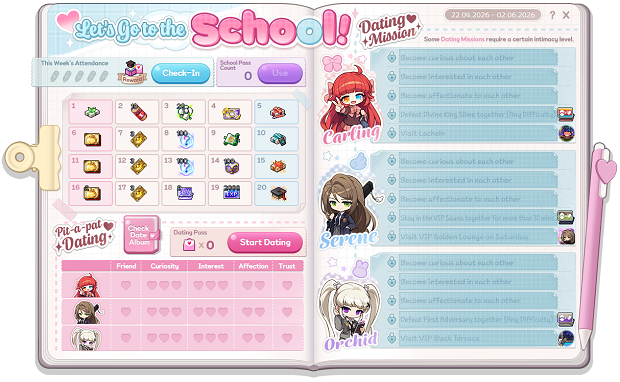
Lets Go to the School Daily Attendance
How to Participate
Click Check-In daily.
You will mark attendance when you click Check-In daily and receive rewards, 1 Dating Pass and 1 Credits(Credits are used for School Points, Mu Gong Points and Ephenia Points in the School Life Event).
You can Check-In 5 times a week which reset every Wednesday at 11:59p.m.
If you have missed any day, you may use 3,000 Maple Points to purchase a School Pass to make up for the missing day.
All rewards can only be claimed once per MapleID.
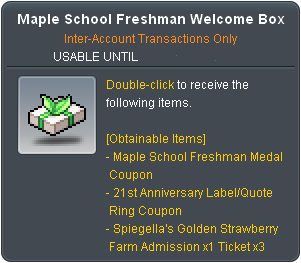
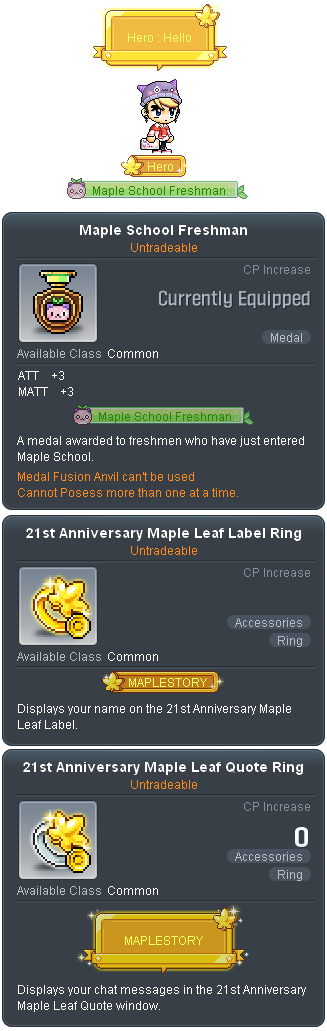
Maple School Freshman Welcome Box
(Quantity: 1)
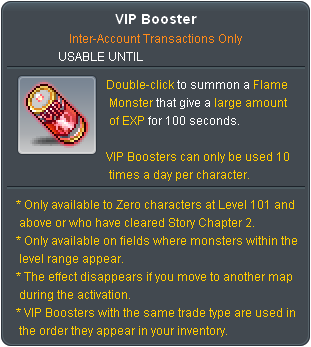
VIP Booster
(Quantity: 10)
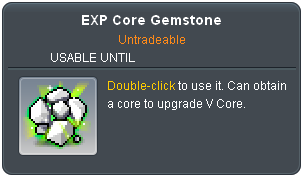
EXP Core Gemstone
(Quantity: 20)
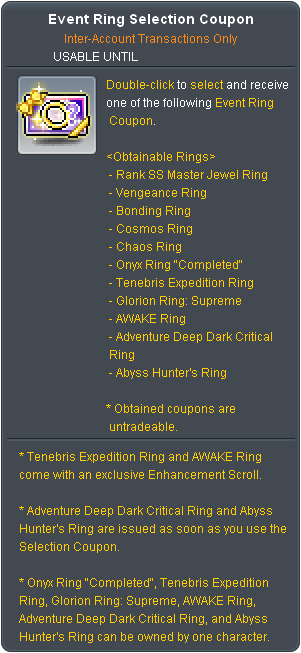
Event Ring Selection Coupon
(Quantity: 1)
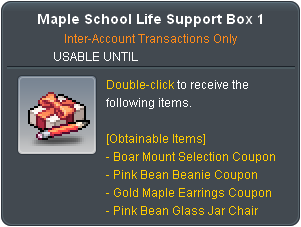
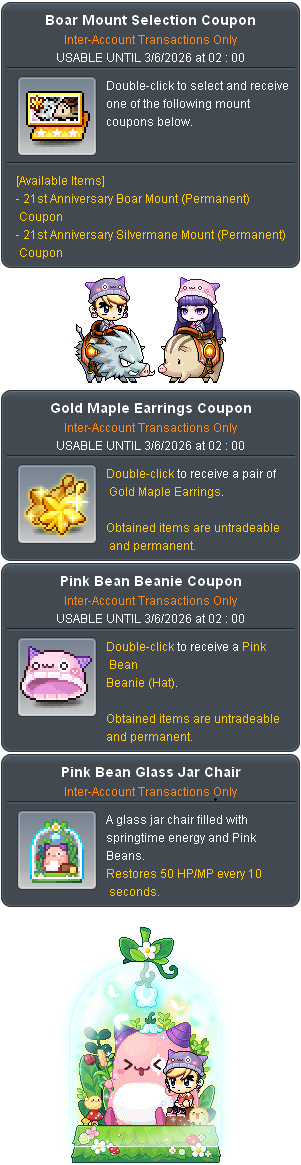
Maple School Life Support Box 1
(Quantity: 1)
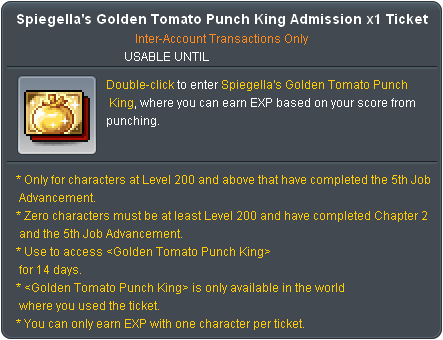
Spiegella's Golden Tomato Punch King Admission x1 Ticket
(Day 6 and 11 Quantity: 1) , (Day 16 Quantity : 2)
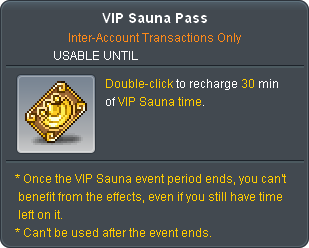
VIP Sauna Pass
(Quantity: 3)
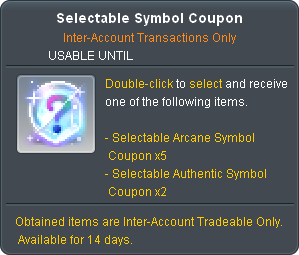
Selectable Symbol Coupon
(Quantity: 100)
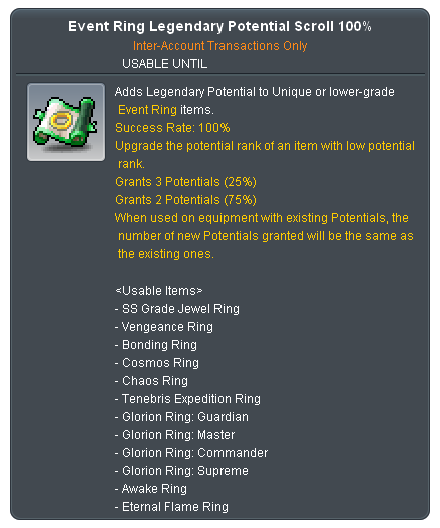
Event Ring Legendary Potential Scroll 100%
(Quantity: 1)
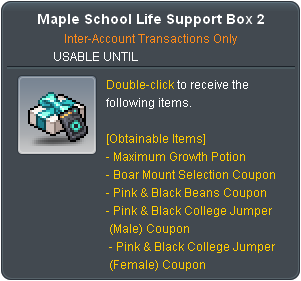
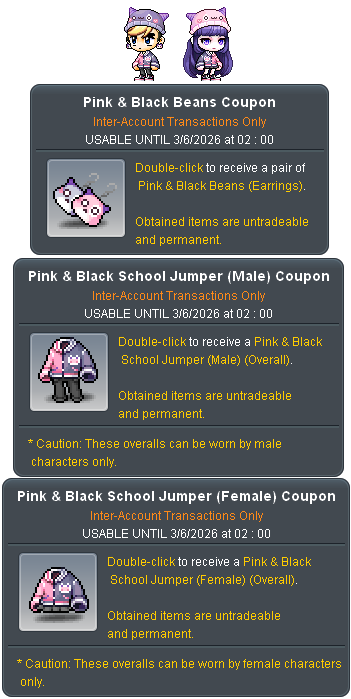
Maple School Life Support Box 2
(Quantity: 1)
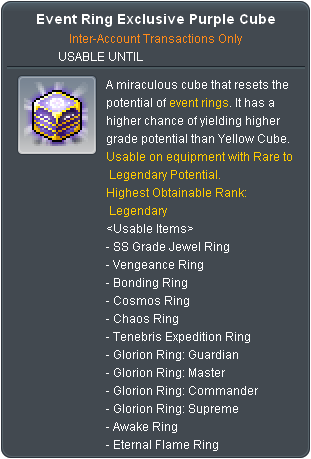
Event Ring Exclusive Purple Cube
(Quantity: 100)
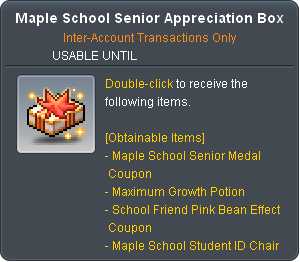
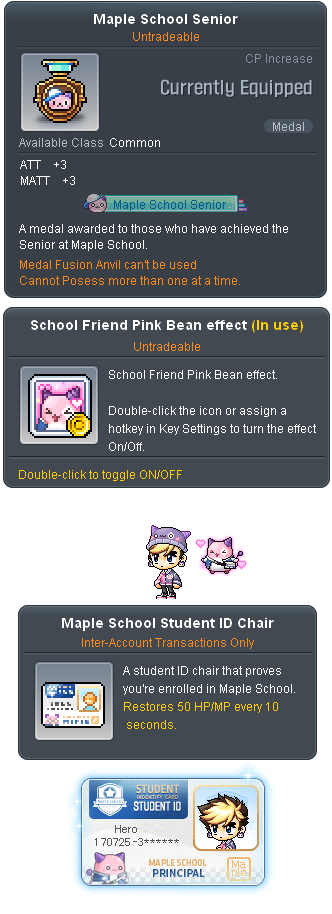
Maple School Senior Appreciation Box
(Quantity: 1)

Sol Erda/Sol Erda Fragment Selection Coupon
(Quantity: 2)
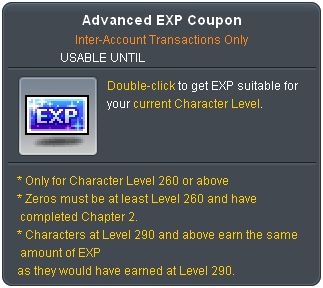
Advanced EXP Coupon
(Quantity: 2000)
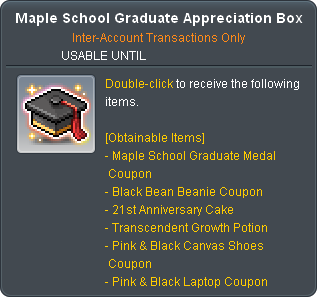
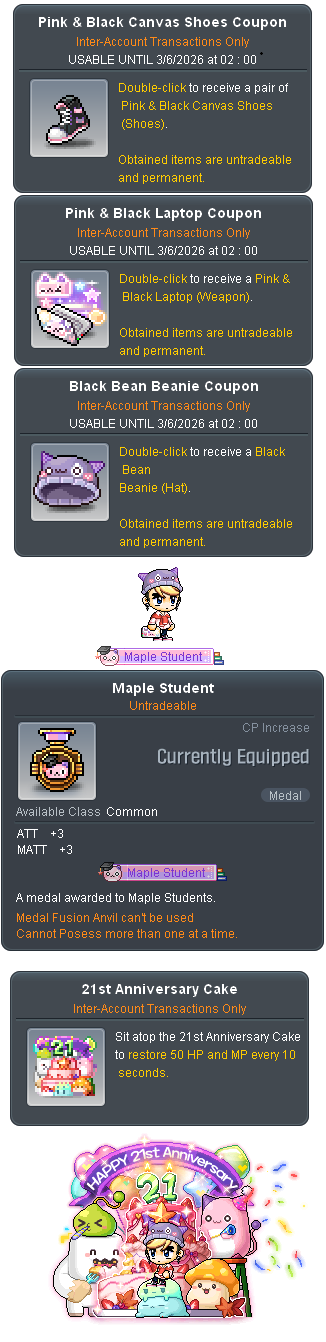
Maple School Graduate Appreciation Box
(Quantity: 1)
Pit-a-Pat Dating
How to Participate
Click Check-In daily to receive 1 Dating Pass.
You can select one desired heroine NPC as a date partner by clicking the Start Dating button in the event UI.
You can decide whether to use a Dating Pass when selecting a date partner; using a Dating Pass shows an exclusive story cutscenes and increases the dating level.
Upon reaching a certain dating level, your relationship with the heroine changes, and you can view the cutscenes that include illustrations.
The heroine NPC designated as a date partner can accompany you until you log out or click the End Dating button.
While together with the heroine, complete a date mission to view the animation and new illustration.
A lock icon is displayed if the date mission cannot be proceeded due to insufficient level.
Special Notes :
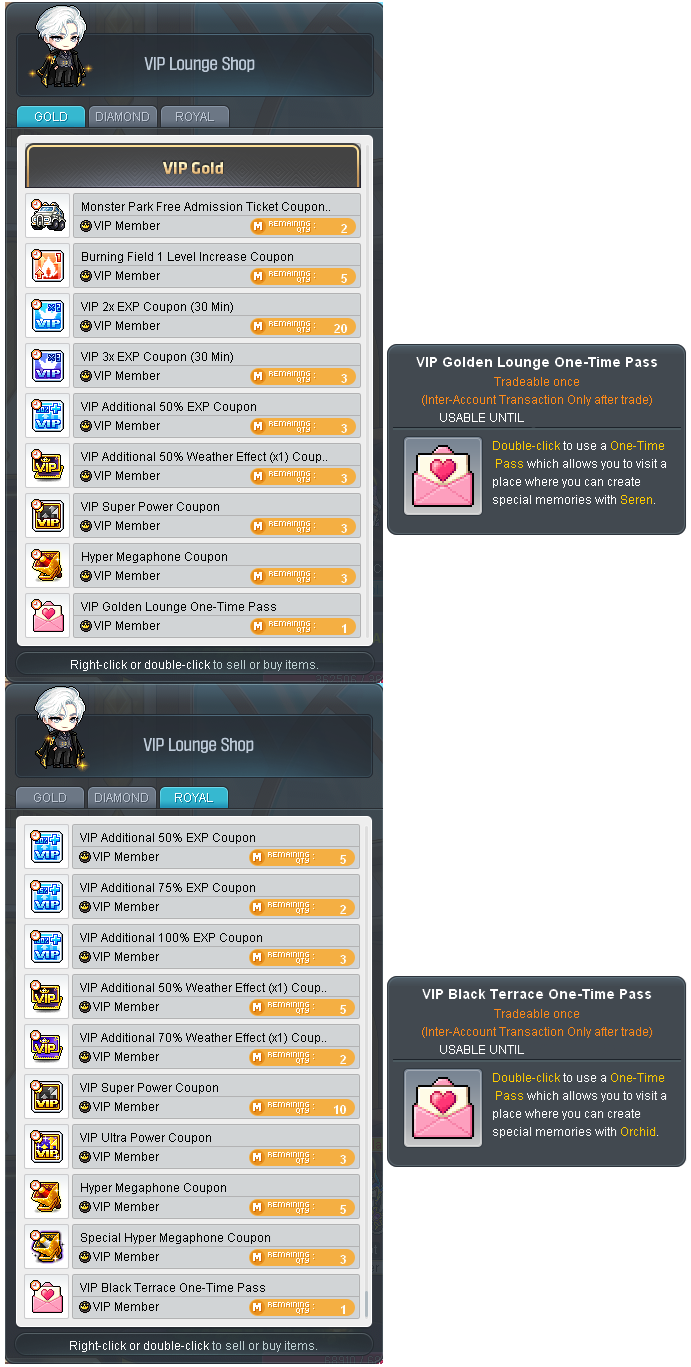
VIP Gold, Diamond and Royal users can purchase a one-time VIP Lounge admission ticket which can be exchanged once from “Louise” in the VIP Golden Lounge.
When the One-Time Pass is used, users who are below VIP gold can enter the VIP map to complete the relevant Serene and Orchid level 10 dating missions.
The One Time Pass is a 1 Time Purchase only. (updated: 26/4, 1640hrs)
Dating Rewards
Dating Level Requirement and Mission
Reward
Level 8 : Defeat Divine King Slime (any Difficulty) while accompanied by Carling
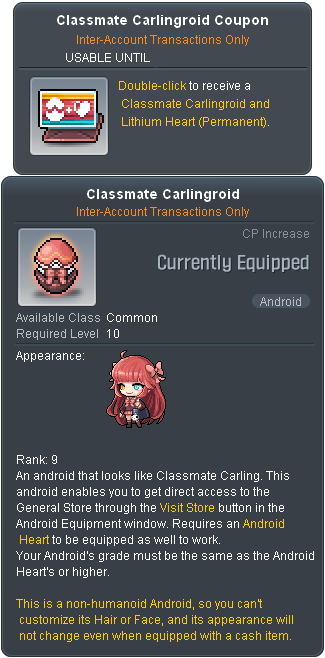
Classmate Carlingroid
Level 10 : Visit Lachein while accompanied by Carling
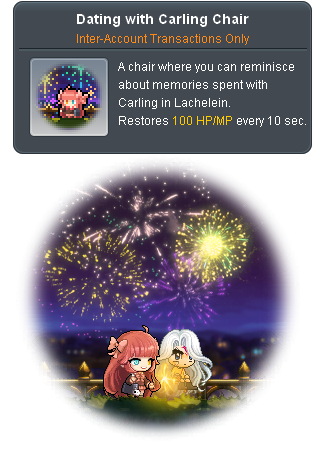
Dating with Carling Chair
Level 3 : Use the VIP Sauna for more than 30 minutes while accompanied by Serene
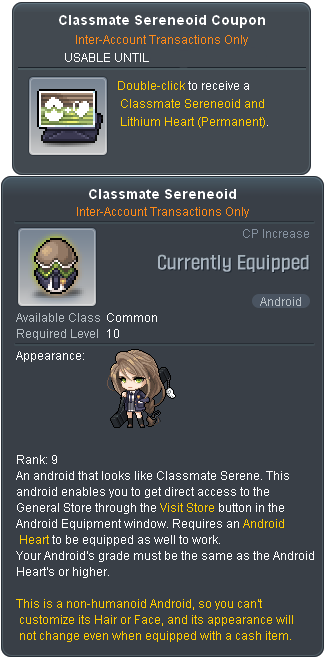
Classmate Sereneoid
Level 10 : Enter the VIP Golden Lounge on Saturday accompanied by Serene
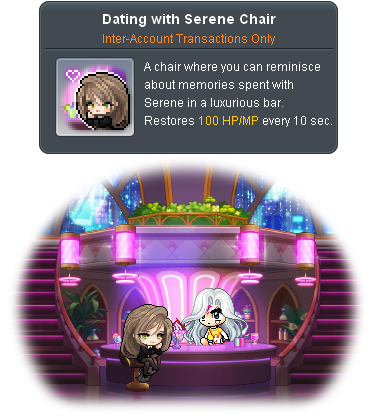
Dating with Serene Chair
Level 8 : Defeat The First Adversary (any Difficulty) while accompanied by Orchid
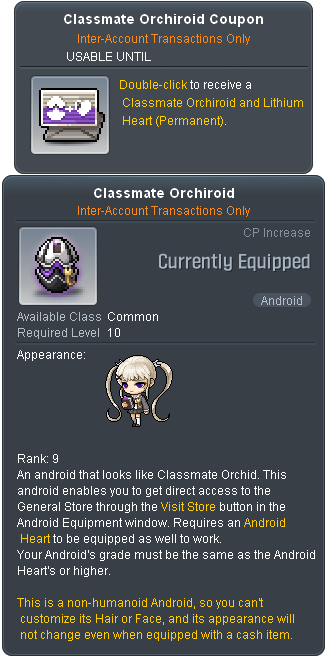
Classmate Orchiroid
Level 10 : Enter the VIP Black Terrace accompanied by Orchid
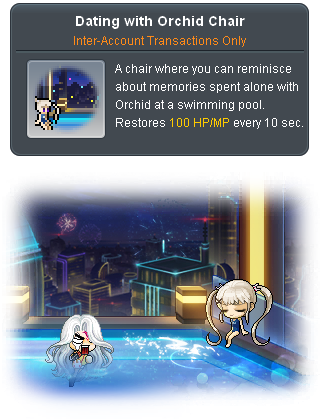
Dating with Orchid Chair
Note: Defeating Divine King Slime and The First Adversary missions only counts when in a party of 1 or solo. Practice mode also counts. (updated: 26/4, 1640hrs)
Date Album
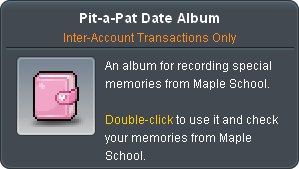
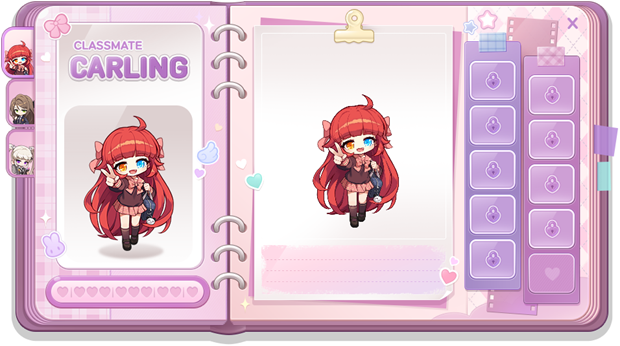
Click the Pit-a-Pat Date Album item or Check Date Album icon in the UI to view unlocked illustrations.
You can select heroine through the tabs in the Date Album, and it will display the selected heroine illustrations and dating level.
To the right of the Date Album, you will see your obtained illustrations and you can view the illustrations by clicking on it.
You can use the magnifying glass icon on the top right of the illustration to see the illustration in its original size.
Visit other v250 Update Notes!
Akatsuki Remaster
Content Updates
21st Anniversary Events
Growth Events
Other Events
 Serene
 Carling
 Orchid